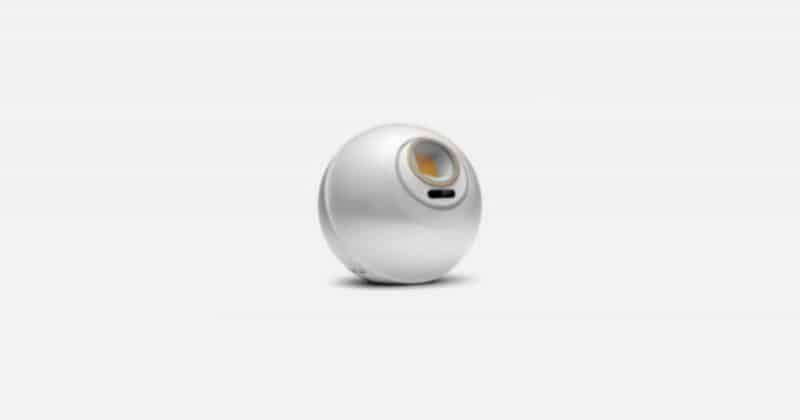
[LeapMotion + UniRx] Moving a Camera with Hand Gestures: Two-Hand Edition
Introduction In the previous article, I implemented translating the Main Camera using one-hand Leap Motion input when no mouse or keyboard is available. This time, I'm adding rotation and zoom cont...
![[LeapMotion + UniRx] Moving a Camera with Hand Gestures: Two-Hand Edition](https://media2.dev.to/dynamic/image/width=1200,height=627,fit=cover,gravity=auto,format=auto/https%3A%2F%2Fcdn.jsdelivr.net%2Fgh%2Fsegurvita%2Fsegur-article-assets%40main%2F2019-04-22_leapmotion-unirx-moving-a-camera-with-hand-gestures-two-hand-edition%2F186a8042-61be-21dd-82db-20c22b558c3c.png)
Source: DEV Community
Introduction In the previous article, I implemented translating the Main Camera using one-hand Leap Motion input when no mouse or keyboard is available. This time, I'm adding rotation and zoom control as well. Demo Here's what I built. I exhibited it at Looking Glass Meetup (Rukimito). // Detect dark theme var iframe = document.getElementById('tweet-1109754332092624896-397'); if (document.body.className.includes('dark-theme')) { iframe.src = "https://platform.twitter.com/embed/Tweet.html?id=1109754332092624896&theme=dark" } When both hands are in a fist, the camera responds to hand movement with three operations: Scale (zoom in/out) Rotation Translation (pan) Sample Code Here is the full code. It is intended to be attached to the Main Camera. using Leap; using System.Collections.Generic; using System.Linq; using UniRx; using UniRx.Triggers; using UnityEngine; /// <summary> /// Camera controller /// </summary> public class CameraController : MonoBehaviour { /** Camera mo















![TinyML at CERN: How FPGAs and hls4ml Solve Physics' Biggest Data Problem [2026]](https://dev-to-uploads.s3.amazonaws.com/uploads/articles/3otvb2z646ytpt1hl2rv.jpg)